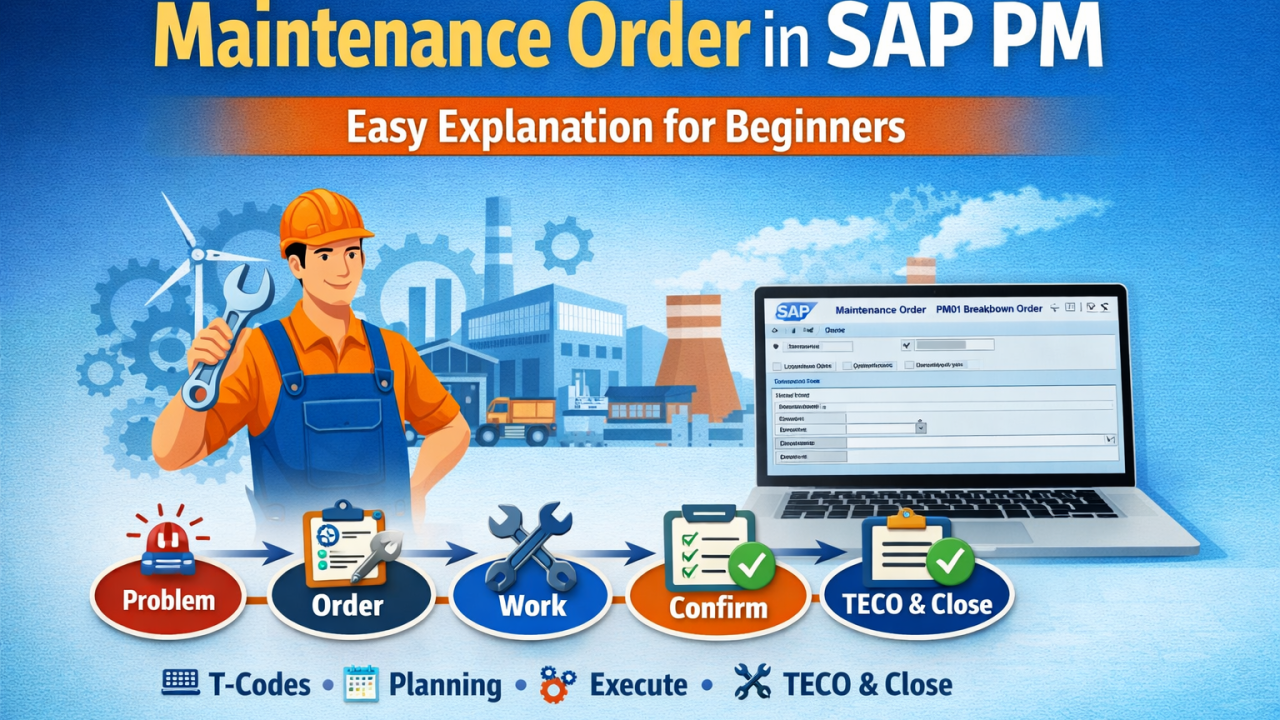
In any industry—whether it is manufacturing, steel, power plant, or construction—machines and equipment require regular maintenance. If maintenance is not handled properly, it can lead to breakdowns, production loss, and high costs. To manage this efficiently, SAP provides a powerful tool called the Maintenance Order in the SAP PM (Plant Maintenance) module.

What is a Maintenance Order?
A Maintenance Order is a structured document in SAP PM used to plan, organize, execute, and monitor maintenance activities for equipment or technical systems.
👉 In simple terms: It is a complete work instruction for performing maintenance tasks.
Purpose of Maintenance Order
The main purpose of a Maintenance Order is to:
- Plan maintenance work in a systematic way
- Assign tasks to technicians or work centers
- Ensure availability of spare parts
- Track labor time and material costs
- Maintain history of all maintenance activities
- Improve machine performance and reduce downtime
End-to-End Process of Maintenance Order
1. Problem Identification
The process begins when an issue is detected in equipment. 👉 Example: Machine breakdown, overheating, or abnormal noise.
2. Notification Creation
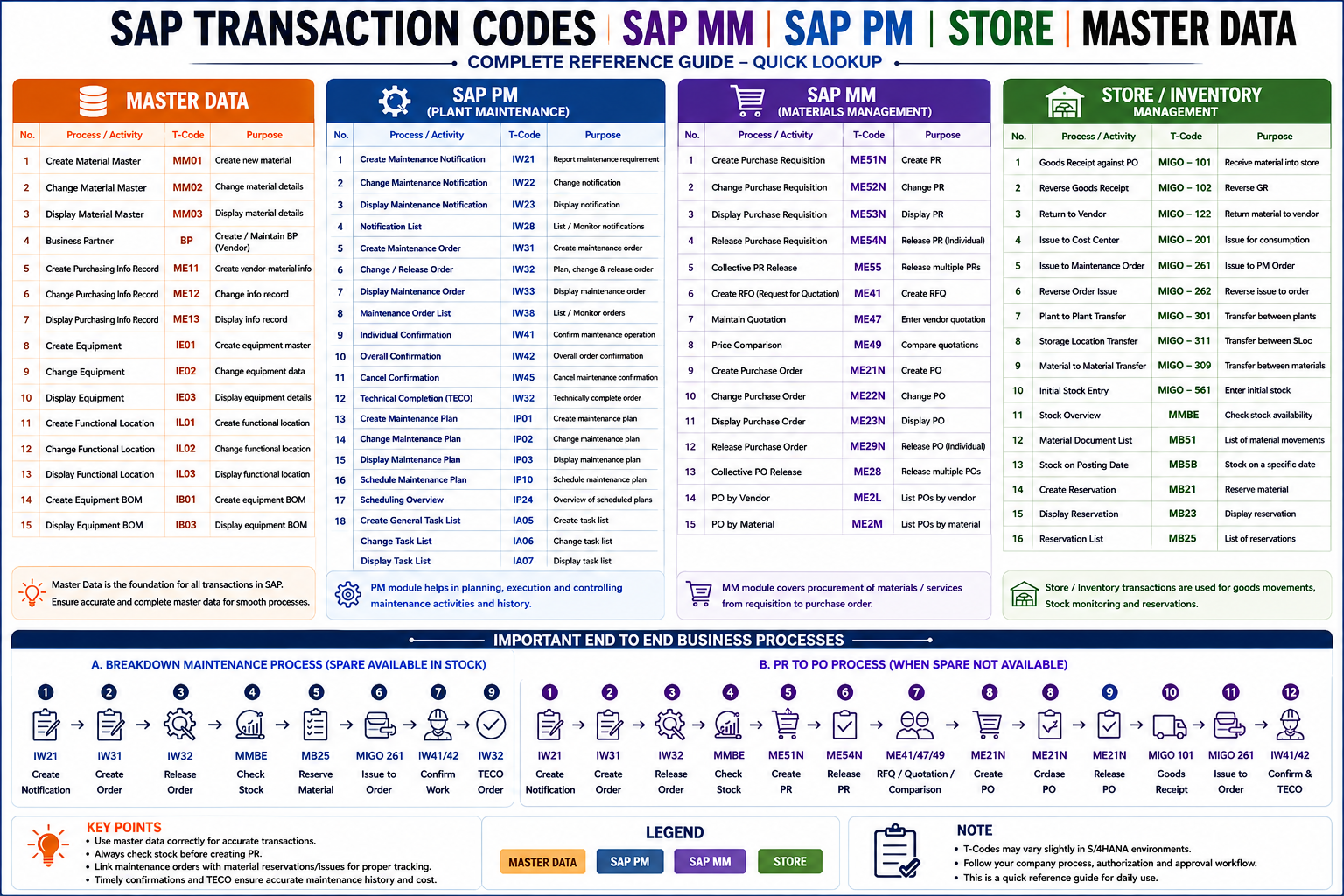
👉 T-Code: IW21

- Record the problem in the system
- Enter equipment details and issue description
3. Maintenance Order Creation
👉 T-Code: IW31
- Create order based on notification
- Select order type (PM01, PM02, etc.)
4. Planning the Work
- Define operations (tasks)
- Assign work center (technician/team)
- Estimate time required
- Add spare parts (components)
5. Material Planning (SAP MM Integration)
- Reserve spare parts from inventory
- If stock is not available → Purchase Requisition (PR) is created
6. Order Release (REL)
- Release the order to start work
⚠️ Without REL, execution is not allowed
7. Execution of Work
- Technician performs maintenance
- Repair or replacement is done
8. Time Confirmation
👉 T-Code: IW41

- Record time spent
- Confirm work completion
9. Goods Issue (Material Consumption)
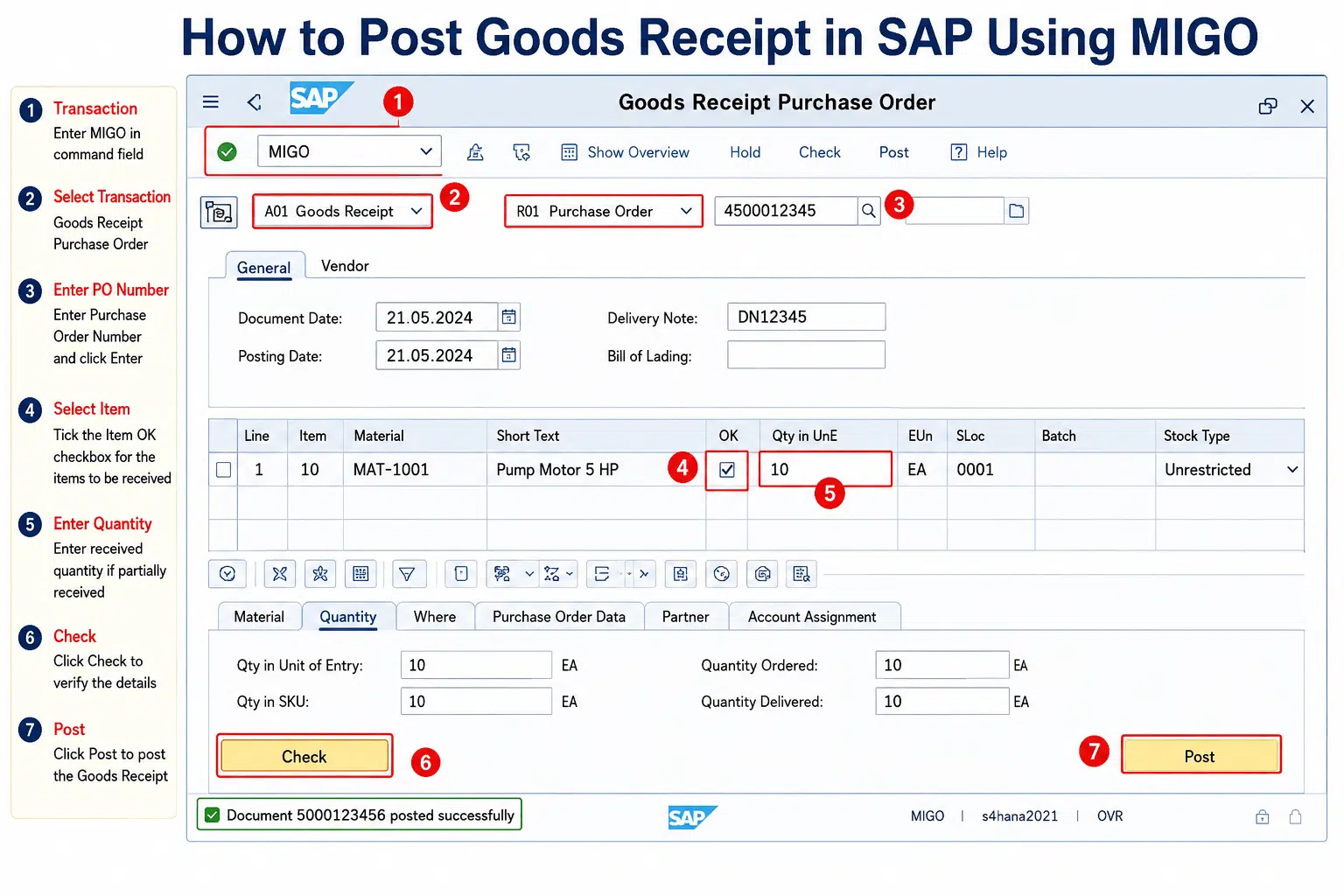
- Spare parts issued using MIGO / MB1A
- Inventory gets updated
10. Technical Completion (TECO)
- Mark order as completed
- No further changes required
11. Order Closure (CLSD)
- Final closure of order
- Data stored for reporting
Complete Flow (Easy View)
👉 Problem → Notification → Order → Planning → Release → Execution → Confirmation → TECO → Closure
Simple Understanding
👉 Maintenance Order Process = Plan + Execute + Track + Close Maintenance Work
Important SAP PM T-Codes
- IW31 – Create Maintenance Order
- IW32 – Change Maintenance Order
- IW33 – Display Maintenance Order
- IW41 – Time Confirmation
- IW38 – Order List
Benefits of Maintenance Order
- Better planning of maintenance activities
- Reduced machine downtime
- Improved efficiency and productivity
- Accurate cost tracking
- Complete maintenance history
- Better resource utilization
Best Practices
- Always create notification before order
- Use correct order type (PM01, PM02, etc.)
- Ensure proper planning before release
- Always release the order before execution
- Perform accurate time confirmation
- Close the order after completion
#SAPPM #SAPLearning #SAPBeginner #MaintenanceOrder #ERP #SAPTraining