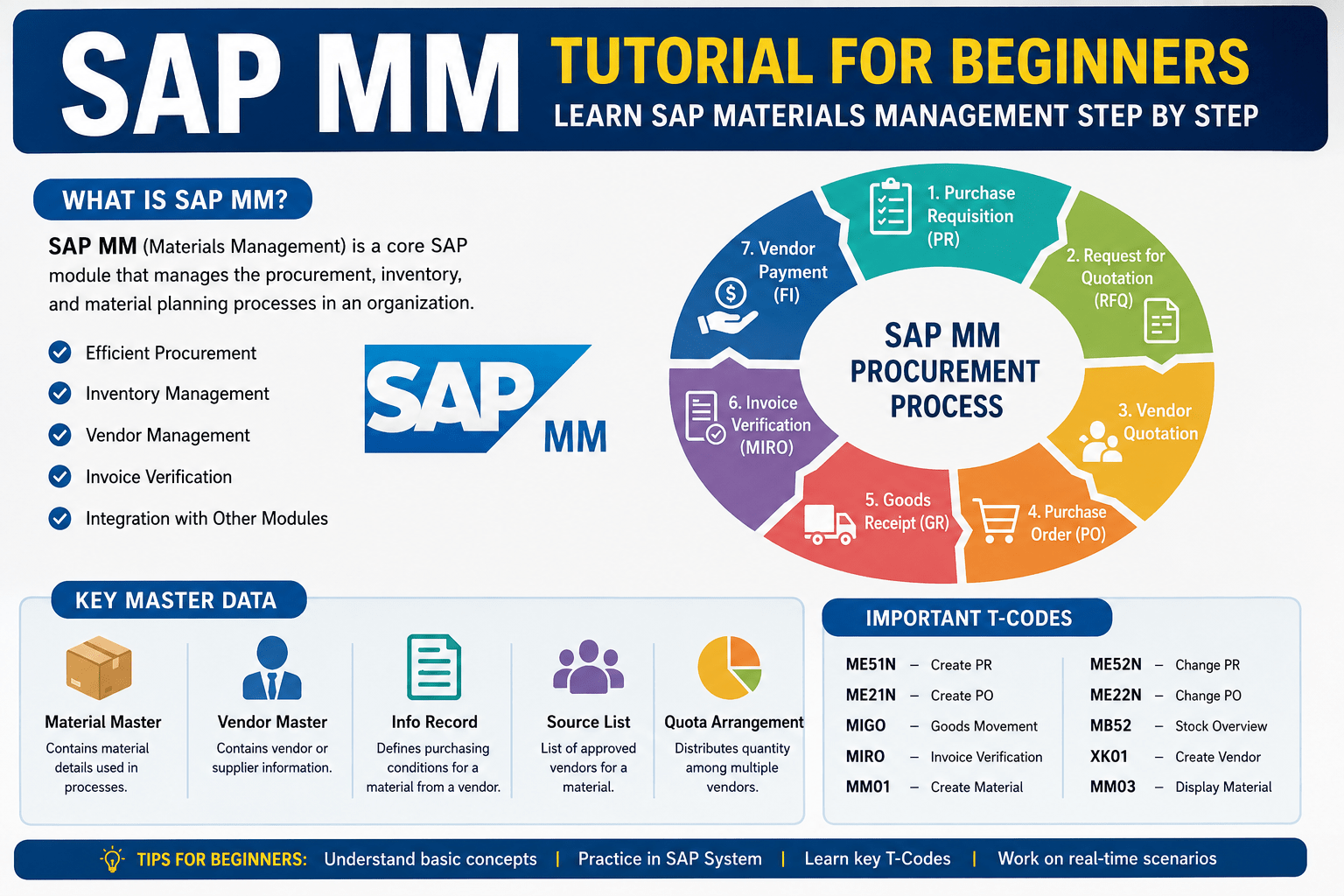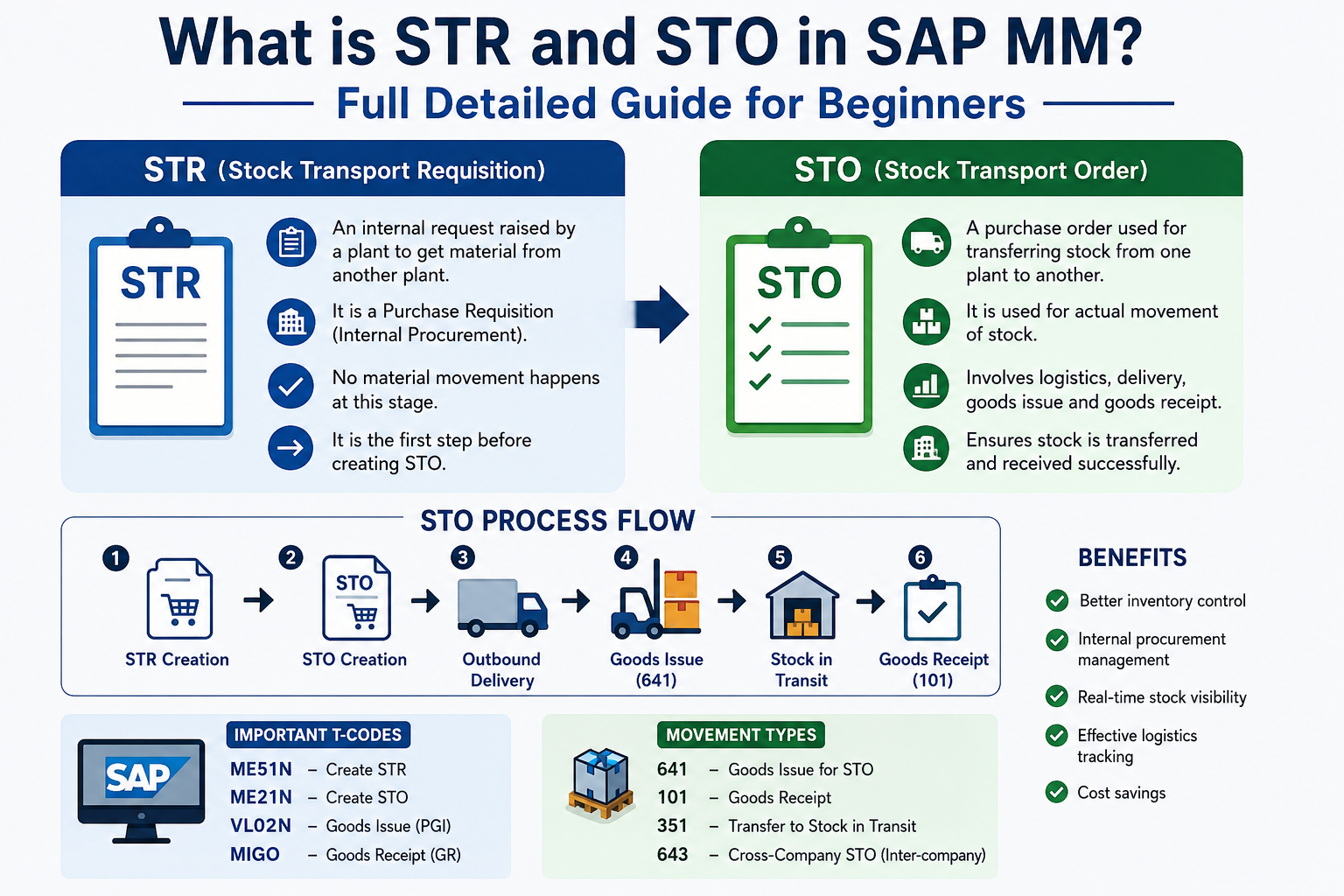
What is STR and STO in SAP MM: Full details Guide for Beginners: If you are learning SAP MM, you have probably heard about STR (Stock Transport Requisition) and STO (Stock Transport Order). These are important concepts used for internal stock movement within an organization.
Companies often transfer materials between plants, warehouses, or storage locations. In SAP, this process is managed using STR and STO.
In this guide, you will learn.
- What STR and STO mean in SAP MM
- Difference between STR and STO
- Complete process flow
- Important movement types
- SAP transaction codes (T-Codes)
- Real-time business examples
- Common interview questions
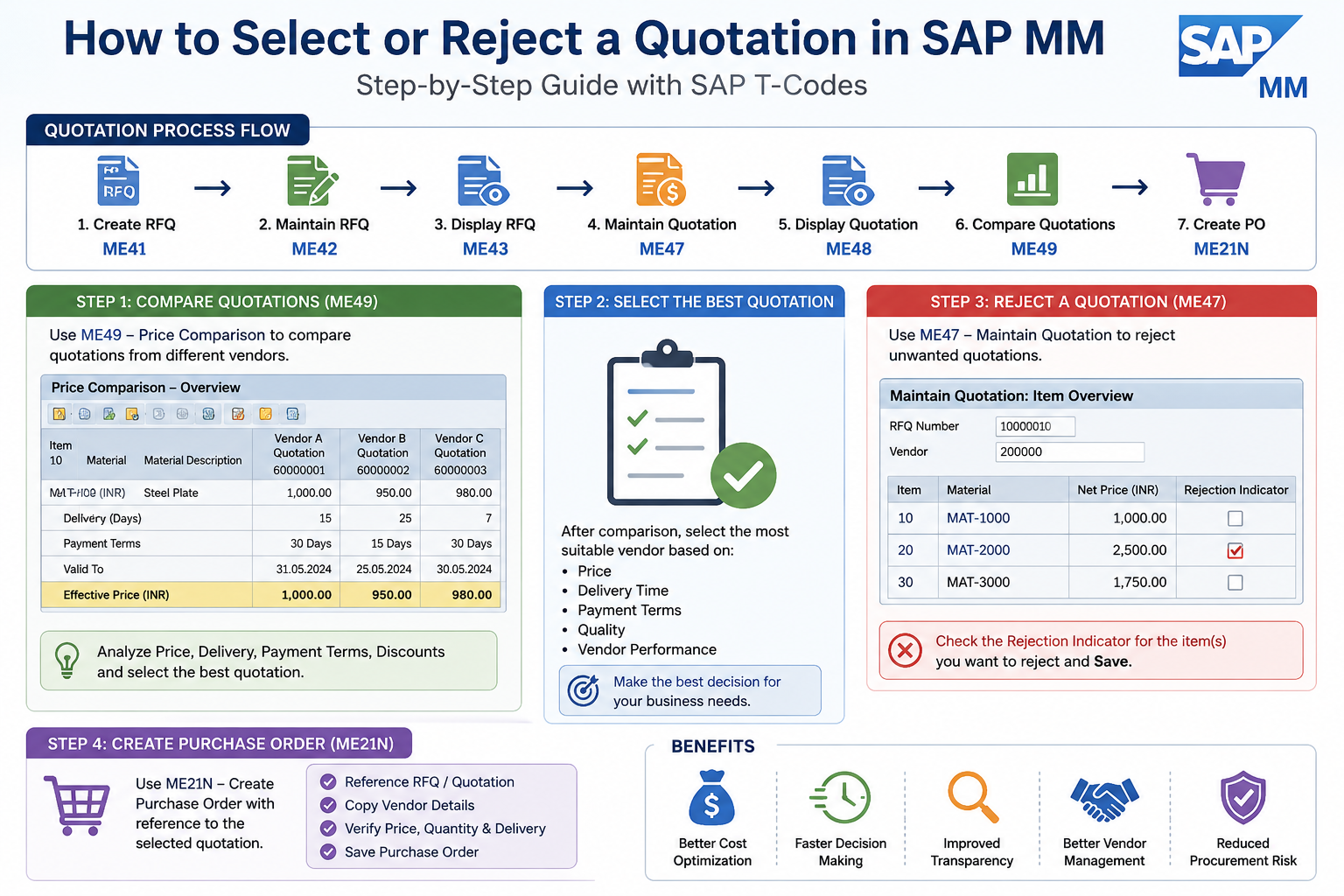
Also Read: How to Select or Reject a Quotation in SAP MM
🚀 Enroll in Live SAP Courses:
🎓 SAP MM (Material Management)
🔗 https://trk.udemy.com/gRoZv2
🎓 SAP PM (Plant Maintenance)
🔗 https://trk.udemy.com/PzaLjX
🎓 SAP SD (Sales and Distribution)
🔗 https://trk.udemy.com/B5KWXx
What is STR in SAP MM?
Definition of STR
STR (Stock Transport Requisition) is an internal request created by one plant to request material from another plant.
It works similarly to a Purchase Requisition but is specifically used for stock transfer purposes.
Purpose of STR
STR is used to:
- Request material internally
- Support inter-plant procurement
- Maintain stock availability
- Trigger stock transfer planning
Features of STR
- Internal procurement document
- No accounting entry during creation
- Can be converted into STO
- Used before Stock Transport Order creation
What is STO in SAP MM?
Definition of STO
STO (Stock Transport Order) is an order used for transferring materials from one plant to another within the organization.
It is similar to a Purchase Order but used for internal procurement.
Purpose of STO
STO helps organizations:
- Transfer stock internally
- Track material movement
- Monitor stock in transit
- Manage logistics and transportation
Features of STO
- Supports delivery processing
- Supports Goods Issue and Goods Receipt
- Tracks stock movement
- Supports transportation planning
Difference Between STR and STO
| Feature | STR | STO |
|---|---|---|
| Full Form | Stock Transport Requisition | Stock Transport Order |
| Purpose | Request for material | Execute stock transfer |
| Document Type | Requisition | Purchase Order |
| T-Code | ME51N | ME21N |
| Accounting Impact | No | Yes during GI/GR |
| Usage | Planning | Execution |
| Delivery Support | No | Yes |
Complete STR to STO Process Flow
The standard process flow is:
- Create STR
- Convert STR into STO
- Create Outbound Delivery
- Post Goods Issue (PGI)
- Transport Material
- Post Goods Receipt (GR)
Step 1: Create STR
T-Code: ME51N
Process:
- Open ME51N
- Enter material details
- Enter quantity
- Select receiving plant
- Save document
Output:
Purchase Requisition number generated.
Step 2: Convert STR into STO
T-Code: ME21N
Process:
- Open ME21N
- Select document type UB
- Enter supplying plant
- Reference STR
- Verify details
- Save STO
Output:
Stock Transport Order created.
Step 3: Create Outbound Delivery
T-Code: VL10B / VL10D
The supplying plant creates outbound delivery for shipment preparation.
Purpose:
- Picking
- Packing
- Shipment preparation
Step 4: Post Goods Issue (PGI)
T-Code: VL02N
Goods Issue reduces stock from the supplying plant.
Common Movement Types:
| Movement Type | Description |
|---|---|
| 641 | Two-step STO |
| 643 | One-step STO |
Impact:
- Stock reduced in supplying plant
- Stock moved to stock in transit
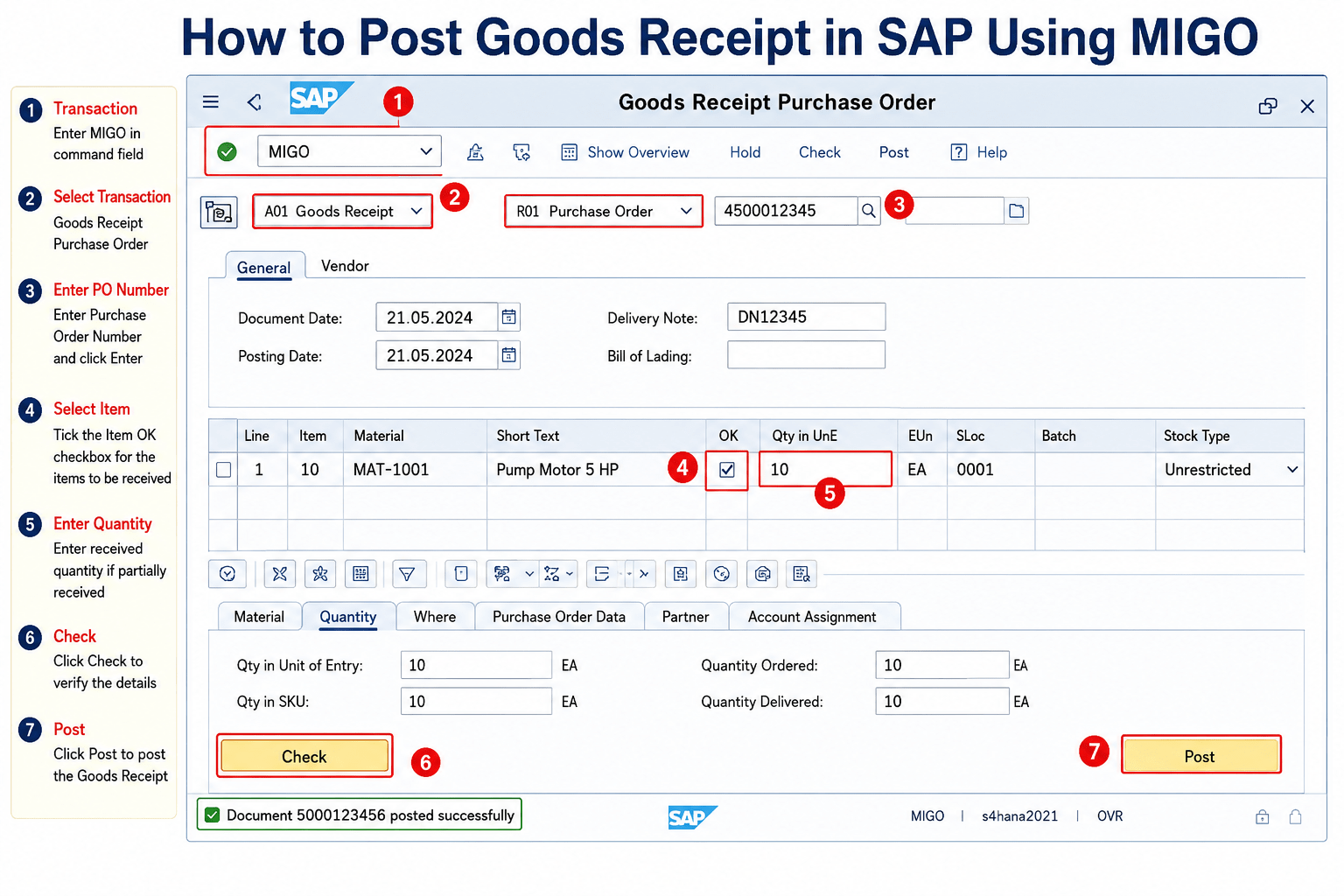
Step 5: Goods Receipt (GR)
T-Code: MIGO
The receiving plant posts Goods Receipt.
Movement Type:
| Movement Type | Description |
|---|---|
| 101 | Goods Receipt for STO |
Impact:
- Inventory increases in receiving plant
- Stock in transit cleared
Important Movement Types in STO
| Movement Type | Description |
|---|---|
| 301 | Plant-to-Plant Transfer |
| 303 | Transfer to Stock in Transit |
| 305 | Receipt from Stock in Transit |
| 351 | STO without Delivery |
| 641 | Goods Issue for STO |
| 643 | One-Step STO |
| 101 | Goods Receipt |
Types of STO in SAP MM
1. Intra-Company STO
- Transfer between plants within same company code
- No billing involved
Example:
Mumbai plant transfers stock to Pune plant.
2. Inter-Company STO
- Transfer between different company codes
- Billing document required
Example:
Company Code 1000 transfers stock to Company Code 2000.
One-Step vs Two-Step STO
One-Step STO
In one-step STO:
- Goods Issue and Goods Receipt happen together
- Faster process
- Less tracking
Movement Type:
643
Two-Step STO
In two-step STO:
- Goods Issue happens first
- Material remains in stock in transit
- Goods Receipt happens later
Movement Types:
- 641 for GI
- 101 for GR
Advantages:
- Better tracking
- Useful for long-distance transportation
- Better inventory visibility
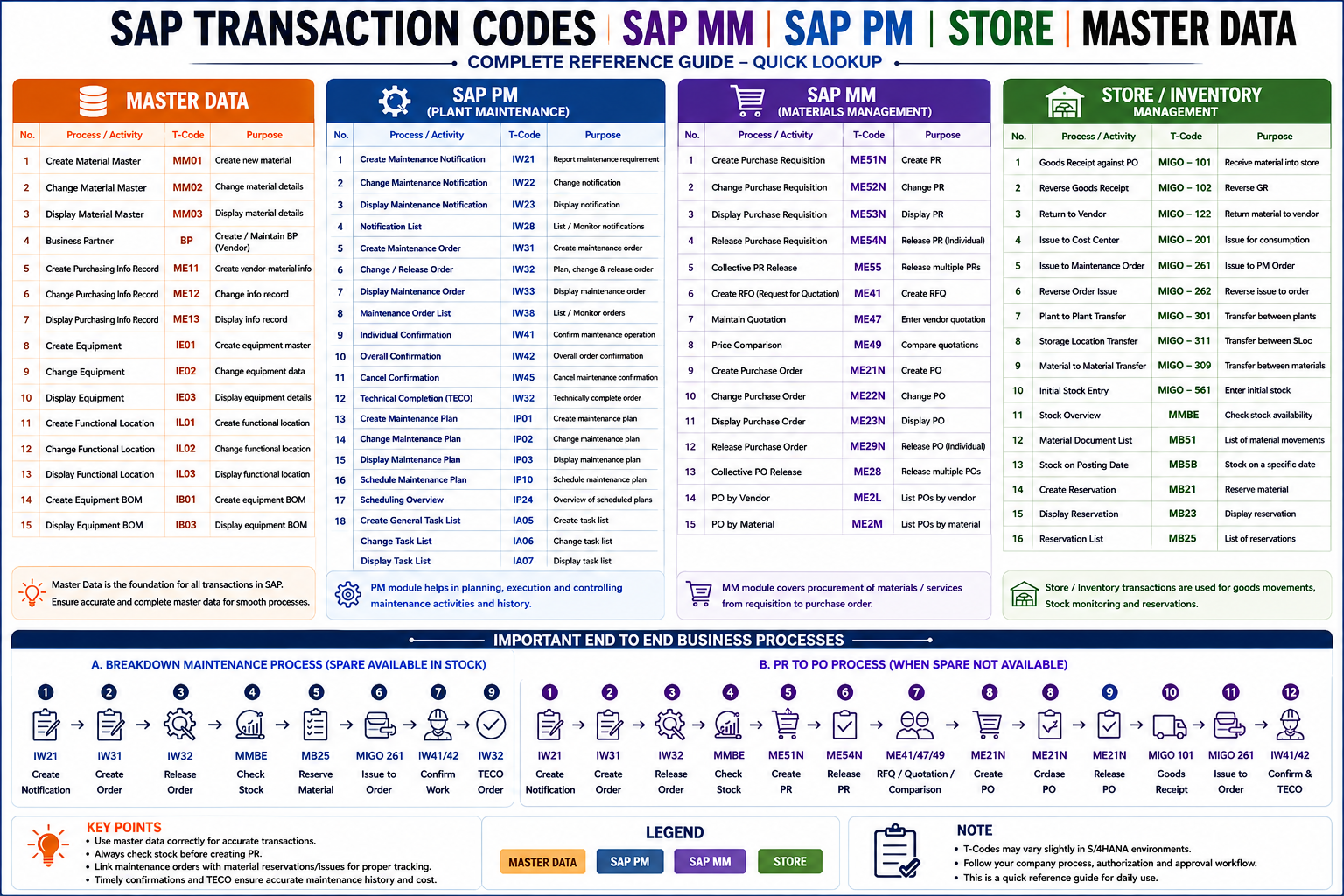
Important SAP MM T-Codes
| T-Code | Description |
|---|---|
| ME51N | Create STR |
| ME52N | Change STR |
| ME53N | Display STR |
| ME21N | Create STO |
| ME22N | Change STO |
| ME23N | Display STO |
| VL10B | Create Delivery |
| VL02N | Post Goods Issue |
| MIGO | Goods Receipt |
| MB5T | Stock in Transit Report |
Real-Time Business Example
A company has:
- Plant A in Mumbai
- Plant B in Pune
Plant B requires 500 units of material.
Process Flow:
- Plant B creates STR
- STR converted into STO
- Plant A creates delivery
- PGI posted
- Material transported
- Plant B posts GR
- Inventory updated successfully
Benefits of STO in SAP MM
Better Inventory Control
Tracks stock movement accurately.
Real-Time Tracking
Monitor stock in transit easily.
Process Automation
Reduces manual effort.
Better Audit Trail
Complete document history available.
Improved Internal Procurement
Standardized material transfer process.
Common Errors in STO Process
| Error | Reason |
|---|---|
| Shipping data missing | Shipping configuration incomplete |
| Delivery not created | STO configuration issue |
| Stock shortage | Insufficient inventory |
| GR not possible | PGI not completed |
| Vendor missing | Supplying plant vendor not maintained |
FAQs
What is STR in SAP MM?
STR stands for Stock Transport Requisition.
What is STO in SAP MM?
STO stands for Stock Transport Order.
Which T-Code is used to create STO?
ME21N is used to create STO.
Which movement type is used for STO Goods Issue?
641 movement type is commonly used.
What is stock in transit?
Stock that has been issued from supplying plant but not yet received by receiving plant.